Angel Add Your Own Face: A Fresh Canvas for Creators
Sometimes a design project calls for a personal touch that standard stock images can't provide. You have a perfect headshot, a custom illustration, or a specific character that needs to be the focal point. The challenge is integrating it seamlessly into a polished, professional layout without spending hours wrestling with clipping masks and alignment. This is where a smart template system becomes invaluable, not as a crutch, but as a powerful launchpad.
Beyond a Simple Frame: A Design System
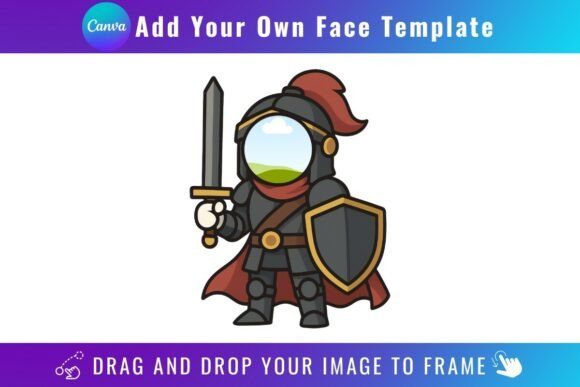
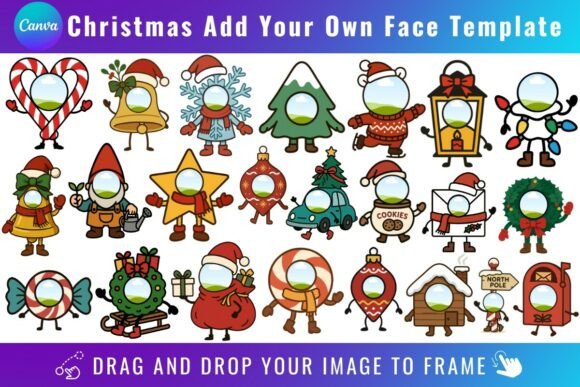
The Angel Add Your Own Face Template is more than a decorative border. It’s a thoughtfully designed Canva framework built for creators who value both efficiency and quality. Visually, it offers a clean, modern aesthetic. The lines are intentional, balancing structure with a certain softness that makes it versatile for a range of projects. It doesn’t scream for attention on its own; instead, it’s designed to elevate the image you place within it.
The real value lies in its functionality as a digital product. You receive a PDF with a direct link to a set of editable Canva frame templates. The process is straightforward: open the link with your free Canva account, locate the frame you want to use, and simply drag and drop your PNG or JPG file into the designated area. The template handles the clipping and positioning automatically. It’s a practical solution for anyone who needs to produce consistent visual content quickly.
Practical Applications for Real-World Projects
Where does this template system truly shine? Consider the entrepreneur creating a series of social media graphics for a podcast interview. Instead of using a generic microphone icon, they can frame each guest’s headshot within the Angel template, creating a cohesive and branded look across all episodes. A blogger could use it to add a personal photo to their newsletter header, making their content feel more immediate and connected.
For small business owners, it’s a tool for maintaining brand identity across various design assets. Imagine a local bakery featuring its staff on the website’s “Our Team” page. Using the same template for each photo ensures uniformity, professionalism, and a subtle branded touch. Marketers can leverage it for quick, polished ad creatives or webinar promotion graphics where a human face boosts engagement. The applications extend to digital product mockups, personalized invitations, or even simple yet effective packaging design elements for artisan goods.
Making an Informed Choice for Your Workflow
Integrating any new tool into your creative process requires a bit of evaluation. First, assess the project fit. The Angel template’s style is adaptable, but it leans towards a clean, modern, and slightly playful vibe. It’s excellent for projects aiming for approachability and clarity. If your brand identity is strictly ultra-minimalist or very traditional, you’ll want to test it against your existing assets.
Next, consider the practicalities. A free Canva account is all you need to open and edit the templates. This is a significant advantage for hobbyists and those just starting out. However, if your final deliverable requires a transparent background—for layering over complex scenes or for professional print files—you will need a Canva Pro subscription. This is a common requirement for advanced design work and is worth noting before you begin.
Remember, this is a digital product exclusively for use within Canva. It is not compatible with SVG editing software or physical cutting machines like Cricut or Silhouette. Its strength is in its specific, streamlined application within the Canva ecosystem. Think of it as a specialized design asset, much like a premium stock photo or a custom icon set, designed to solve a particular problem exceptionally well.
Enhancing Your Visual Narrative
Good design is about communication. A tool like the Angel Add Your Own Face Template influences more than just aesthetics; it affects readability and visual hierarchy. By providing a defined space for an image, it draws the viewer’s eye intentionally. It can make a layout feel more balanced and organized, which in turn makes accompanying text easier to digest. For a brand, consistent use of such a frame across platforms builds recognition. Your audience starts to associate that particular style with your content, strengthening your brand perception over time.
When testing it, pair the framed image with your typical fonts and color palette. Does the template’s style complement your serif font for a more editorial feel, or does it work well with your sans serif font for a contemporary look? The goal is seamless integration, not a jarring addition. View it as one element in your broader toolkit, a creative font or a graphic frame, each playing its role in the larger composition of your project.
In the end, the Angel Add Your Own Face Template is a practical, focused tool. It acknowledges a common need in digital content creation—the need to personalize quickly and professionally—and delivers a straightforward solution. For the designer juggling multiple projects, the marketer crafting campaign visuals, or the small business owner building their brand, it’s a resource that can save time while elevating the quality of everyday output. It’s about empowering you to focus on the message, not the mechanics of the frame.